#automation

Workflow automation

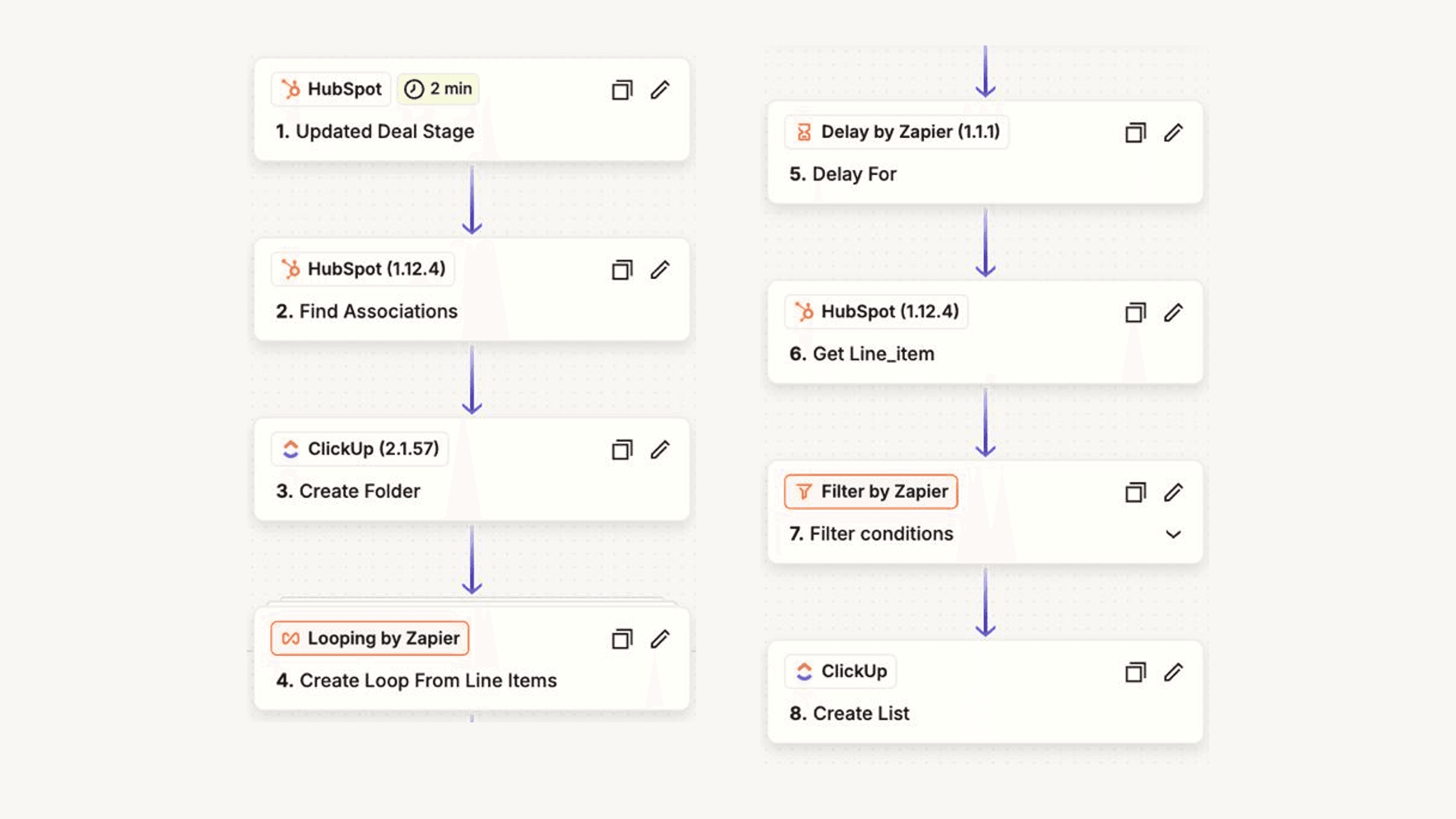
The work that arrives every week in the same shape: supplier invoices, order confirmations, shipment updates, a booking, a new lead, the numbers for Monday. A workflow picks each item up where it lands, does the steps a person did by hand, writes the result where the team looks for it, and stops at the line you set: an amount that differs, a customer who asks for a person. Built in n8n or Make, with Claude or OpenAI behind the steps that need reading, and every flow ends in a screen someone opens on Monday.

CRM, lead lists and reports live here too. HubSpot set up so that one client is one record with the right contacts and deals, data moved in from spreadsheets without a week of copying, lead lists enriched and scored against your fit criteria, and the Monday report that pulls pipeline, cash and tickets from where they live and posts itself at 8:00.

Will it break in six months? Every flow logs each run, retries on failure and posts errors to your Slack instead of failing quietly. You get the documentation and the credentials, and a monthly retainer if you would rather we watch it.

Typical deliverables

  • Invoice monitor with a hold rule
  • Inbox and shipment monitor
  • Booking flow into calendar and CRM
  • CRM set-up, clean-up and data loads
  • Lead list enriched and scored
  • The Monday summary in Slack

Tools

  • n8n
  • Make
  • Zapier
  • HubSpot
  • Google Sheets
  • Slack

Point of view

How we decide what to automate

Where a wrong number could reach a customer, the AI checks and a person decides. Where the work is only tedious, we automate it fully. Some things stay manual.

Automate fully

  • File incoming invoices in the right folder and pre-fill the expense sheet
  • Create deal, company and contact from a signed quote, with the right owner
  • The Monday reportpipeline, cash and tickets pulled from the sources, posted at 8:00

AI checks, human decides

  • Invoice total differs from the order by more than 2 %held for finance
  • First email of a sequencedrafted per company by the AI, the batch approved by you
  • Bulk property changes across hundreds of companiespreview first, then apply

Leave it manual

  • Approving any payment or refund, whatever the amount
  • Deleting recordsnever automated, not even the obvious ones
  • Anything that happens twice a yearnot worth the build

#systems

Example system

gmail · claude · google sheetsInvoice monitorEach invoice checked against its order; a gap over 2 % goes to a person

Diagram of the Invoice monitor system: 6 steps

Steps

  1. Invoice arrives: A supplier invoice arrives as a PDF attachment.
  2. Reads the PDF: Supplier, amount, date and order number are pulled from the PDF.
  3. Matches the order: The invoice is matched to the order in the expense sheet.
  4. Amount differs?: The amount is compared with what was ordered.
  5. Pre-booked: A matching invoice is recorded and ready for approval.
  6. Asks a person: A person is asked before anything is recorded.
Workflow automation

Let's talk about it (opens in a new tab)